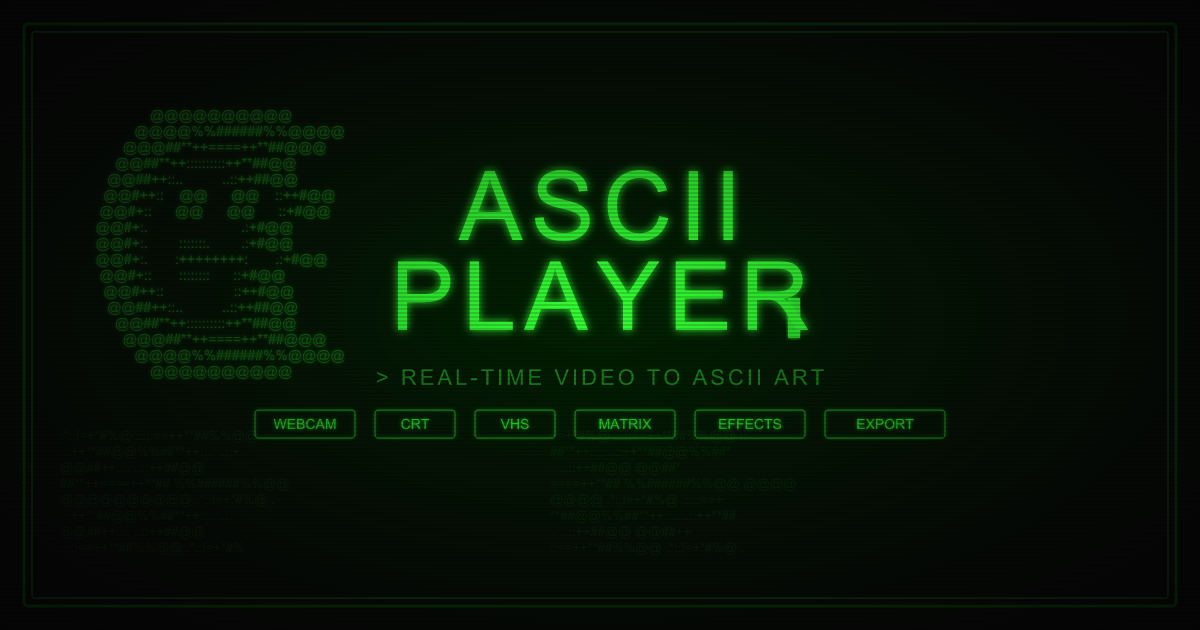
ASCII Player
Retro CRT-styled video-to-ASCII art player with multiple phosphor color themes, authentic scanline effects, GIF export, and a boot sequence animation.
Overview
ASCII Player converts video, images, webcam feeds, and screen captures into real-time ASCII art rendered on an HTML5 Canvas. It supports 6 character sets (ASCII, Blocks, Braille, Katakana, Binary, Hex) and 10 color modes including Truecolor, Neon/Cyberpunk, Matrix, Game Boy, C64, and Thermal.
The rendering engine applies 13+ visual effects — both pre-ASCII (Kaleidoscope, Edge Detection, Pixel Sort) and post-ASCII (Rainbow Cycle, Wave Distortion, VHS Tracking, Digital Noise). A full CRT simulation adds scanlines, phosphor glow, barrel distortion, flicker, and interlace rendering.
Export options include PNG screenshots, WebM video recording, full video export with effects, and animated GIF capture using a custom hand-rolled GIF89a encoder with LZW compression. The app includes 30+ keyboard shortcuts, 5 built-in presets (Matrix, Surveillance, Acid, VHS, Clean), and custom preset save/load.
Key Features
Real-Time ASCII Rendering
Pixel brightness is mapped to characters using ITU-R BT.601 luminance weighting. 6 character ramps — ASCII, Blocks (░▒▓█), Braille, Katakana, Binary, and Hex — each with adjustable column density (20–300 cols) and mirror/flip modes.
CRT Simulation
Authentic CRT emulation: horizontal scanlines, phosphor glow with four color options (Green, Amber, White, Blue), barrel lens distortion, electron beam scan animation, vignette darkening, flicker, and burn-in persistence effect.
13+ Visual Effects Pipeline
Pre-ASCII effects operate on raw pixel data: Kaleidoscope (4-way mirror symmetry), Edge Detection, Pixel Sort, and Color Inversion. Post-ASCII effects work on the character grid: Wave Distortion (sinusoidal row/column offsets), Rainbow Cycle, Scanline Shift, Pixel Corruption, Frame Stutter, Digital Noise, and Figlet Text overlay.
Multiple Input Sources
Load local video or image files via drag-and-drop, stream from webcam, screen share via the Screen Capture API, or pull from a direct video URL. Supported formats: MP4, WebM, MOV, and AVI. All sources run through the same rendering pipeline.
Export & Capture
Four export modes: PNG screenshot of the current frame, WebM video recording via MediaRecorder, full video export with all active effects baked in, and 3-second animated GIF capture using a hand-rolled GIF89a encoder with LZW compression — no server-side processing required.
Presets, Shortcuts & Audio
5 built-in presets (Matrix, Surveillance, Acid, VHS, Clean) plus custom preset save/load. 30+ keyboard shortcuts for every control. Web Audio API integration enables audio-reactive rendering that pulses the ASCII density and effects to mic or audio input. Auto-cycle mode rotates the active effect every 6 seconds.
How It Works
Each video frame is drawn to an off-screen canvas at a reduced resolution determined by the column count. The pixel buffer is extracted with getImageData and passed through any active pre-effects before being handed to the ASCII renderer. The renderer uses ITU-R BT.601 luminance to select a character from the active ramp, producing an AsciiGrid — a 2D array of cells with character and RGB values.
The grid is passed through active post-effects (wave distortion, glitch, corruption), then painted to the visible canvas character-by-character. A second pass applies the CRT overlay using compositing operations on a separate layer. The entire pipeline runs inside a requestAnimationFrame loop, with heavy effects offloaded to a Web Worker via EffectWorkerManager to avoid blocking the main thread.
The custom GIF encoder implements the full GIF89a specification in TypeScript — color table quantization, LZW compression with a code table, and proper block termination — streaming frames into a Blob without any third-party libraries or server round-trips.
Screenshots